Plant Areas
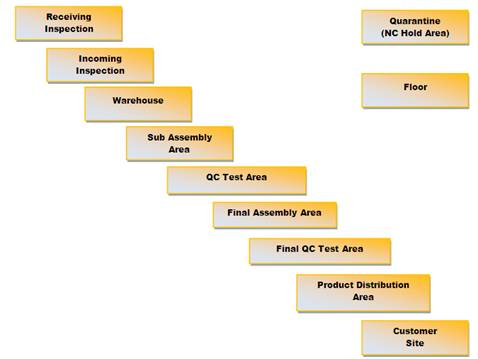
Plant Areas are maintained in the Process Setup section under the SmartSolve Main Menu. The Plant Area object is optional and may be used by customers as an additional area maintained in or outside an Org Unit. Plant Areas are sometimes used to indicate the area in which a process or product failure was found and sometimes mimic Work Center objects. In Inspection Management, plant areas are the physical locations where inspections are conducted and storage is assigned.
Example Plant Areas
User Rights
The following rights must be assigned to a user for that user to manage or view plant areas:
| Rights | Description |
|---|---|
|
PLA_MANAGE |
Allows the administrator to add a new object, modify an existing object, or delete an object. |
| PLA_VIEW |
Allows the user to access and view objects. |
NOTE: See Rights Groups for more information on assigning rights groups to users.
See Also